Turn react js into windows app with electron forge
•1 min read

This is for someone who has basic knowledge of React but wants to make a Windows app. So here's how to do it.
1) Create new electron app using webpack template
npx create-electron-app@latest my-app --template=webpack
2) Install babel
npm install --save-dev @babel/core @babel/preset-react babel-loader
Delete node_modules folder if you find some error and re-run the command
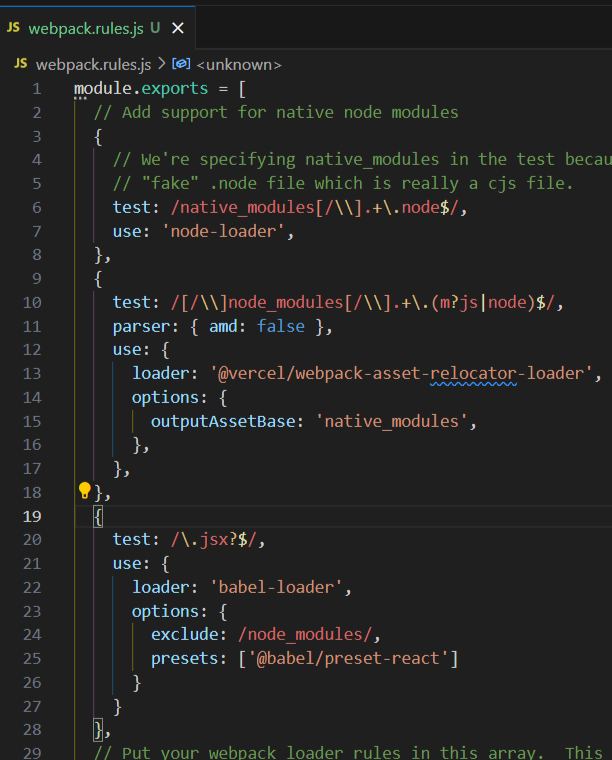
3) Add webpack rules
webpack.rules.js
module.exports = [
  // ... existing loader config ...
  {
    test: /\.jsx?$/,
    use: {
      loader: 'babel-loader',
      options: {
        exclude: /node_modules/,
        presets: ['@babel/preset-react']
      }
    }
  }
  // ... existing loader config ...
];
Place the code into the module exports array
4) Install react
npm install --save react react-dom
src/app.jsx
import * as React from 'react';
import { createRoot } from 'react-dom/client';

const root = createRoot(document.body);
root.render(<h2>Hello from React!</h2>);
src/renderer.js
// Add this to the end of the existing file
import './app.jsx';
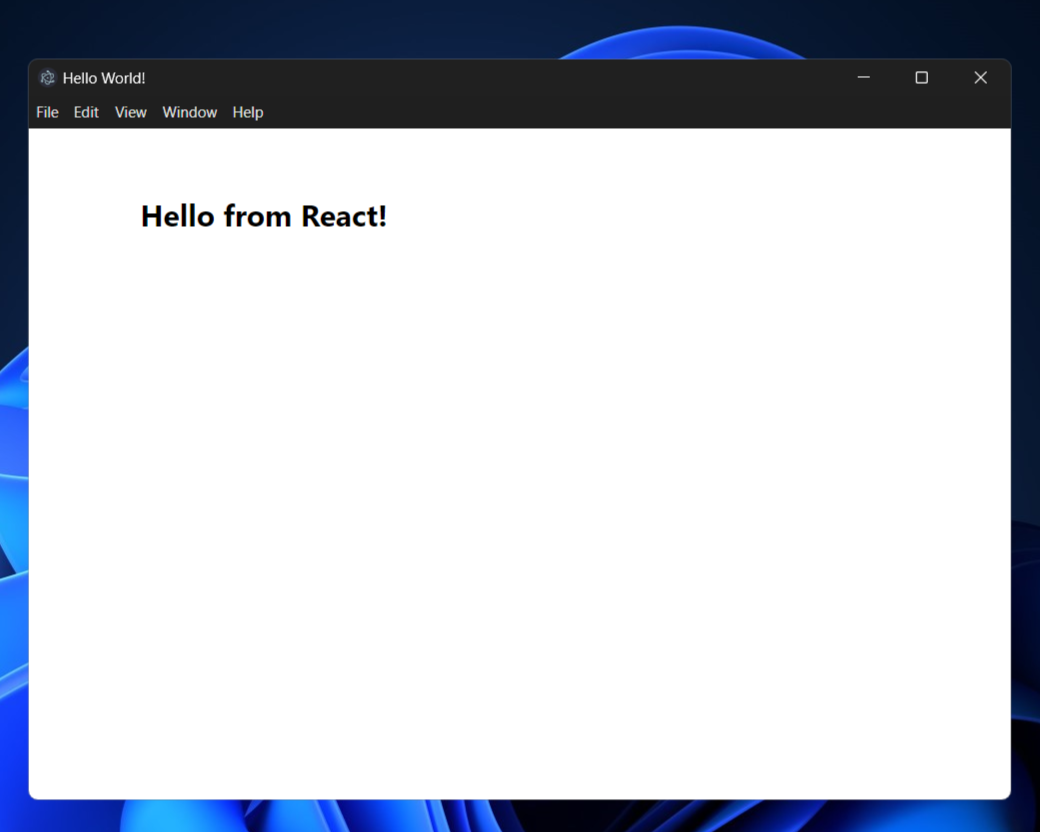
5) Start the app
npm start
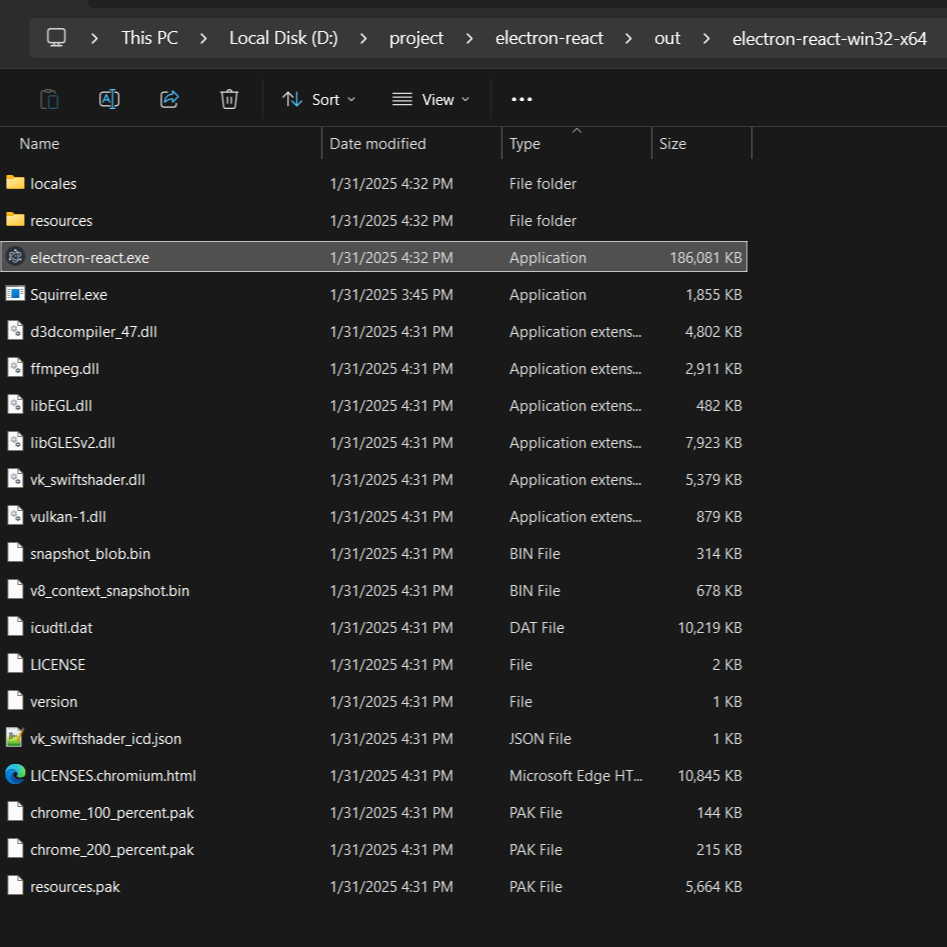
6) Make the app
npm run make
The exe file will be on the out folder
source
https://www.electronforge.io/guides/framework-integration/react